

Why inspection teams
look beyond PlanGrid
Many inspection teams rely on PlanGrid because it is where drawings live.
As inspection requirements increase, teams need more than access. They need to confirm inspections were completed against the correct approved drawings, with clear records that stand up to review.
TruScope is designed for inspection teams who need verification, traceability, and audit-ready documentation.
Core inspection capabilities in TruScope


*These features support inspection workflows where accuracy and documentation matter.
TruScope vs PlanGrid
at a workflow level
PlanGrid focuses on document access and coordination across project teams. TruScope focuses
on inspection verification and maintaining a clear inspection record tied to approved drawings.
| PlanGrid |  |
|
|---|---|---|
| Primary use | Document access and markups |  Inspection and verification Inspection and verification |
| Drawing versions | Managed for coordination | Managed for inspection accuracy |
| Inspection evidence | Stored alongside documents | Captured directly on approved drawings |
| Audit preparation | Manual compilation | Inspection records captured as work happens |
| Intended users | Project teams broadly | Inspectors, IORs, QA/QC teams |
| AI-assisted document search | Not available | Say what you need, get the sheet located in seconds, on device and offline |
Introducing a More
Reliable Way to Run
Inspections
Autodesk designated PlanGrid the legacy product in its construction portfolio. It is no longer sold to new customers, and Autodesk Build is the named successor.
Teams still running PlanGrid are inside a migration window whether or not a move is already planned, which makes this a reasonable moment to look at what an inspection-specific tool does that a document-access tool does not.


How TruScope fits
alongside PlanGrid
TruScope is designed to fit into inspection workflows without disrupting existing coordination tools.

Before the inspection
Approved drawings are uploaded, slip-sheeted, and assigned QR codes.

During the inspection
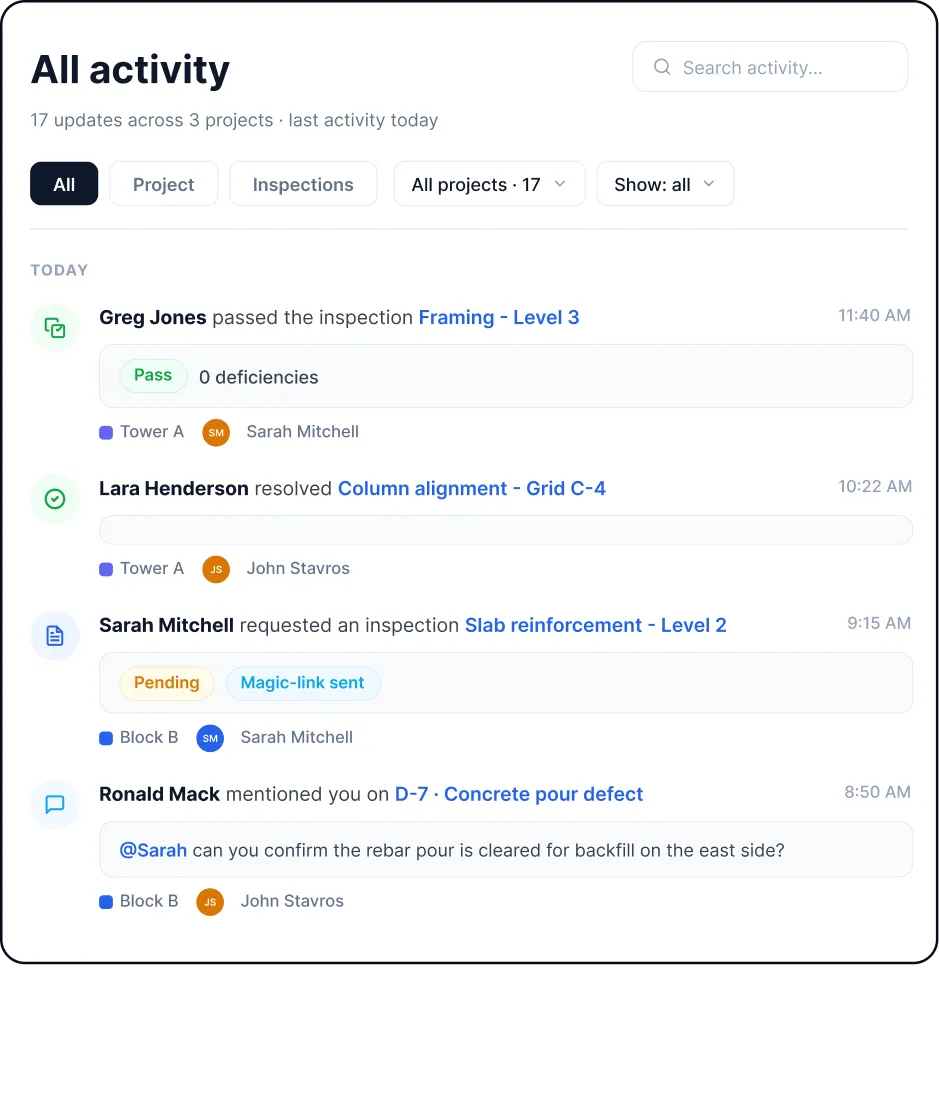
Inspectors open drawings on mobile, capture photos and notes directly on the plan, and move through the site without separate documentation.

After the inspection
Inspection records are already complete. Office, QA/QC, and compliance teams review evidence in context without reconstructing inspection history.


