TruScope
vs FieldWire.

Fieldwire is commonly used to manage tasks, punch lists, and field
coordination. TruScope is built for inspection and verification
workflows. For teams responsible for inspection accuracy, version
control, and audit readiness, the distinction matters.

Why inspection teams
look beyond Fieldwire

Many project teams use Fieldwire to track tasks and field issues.

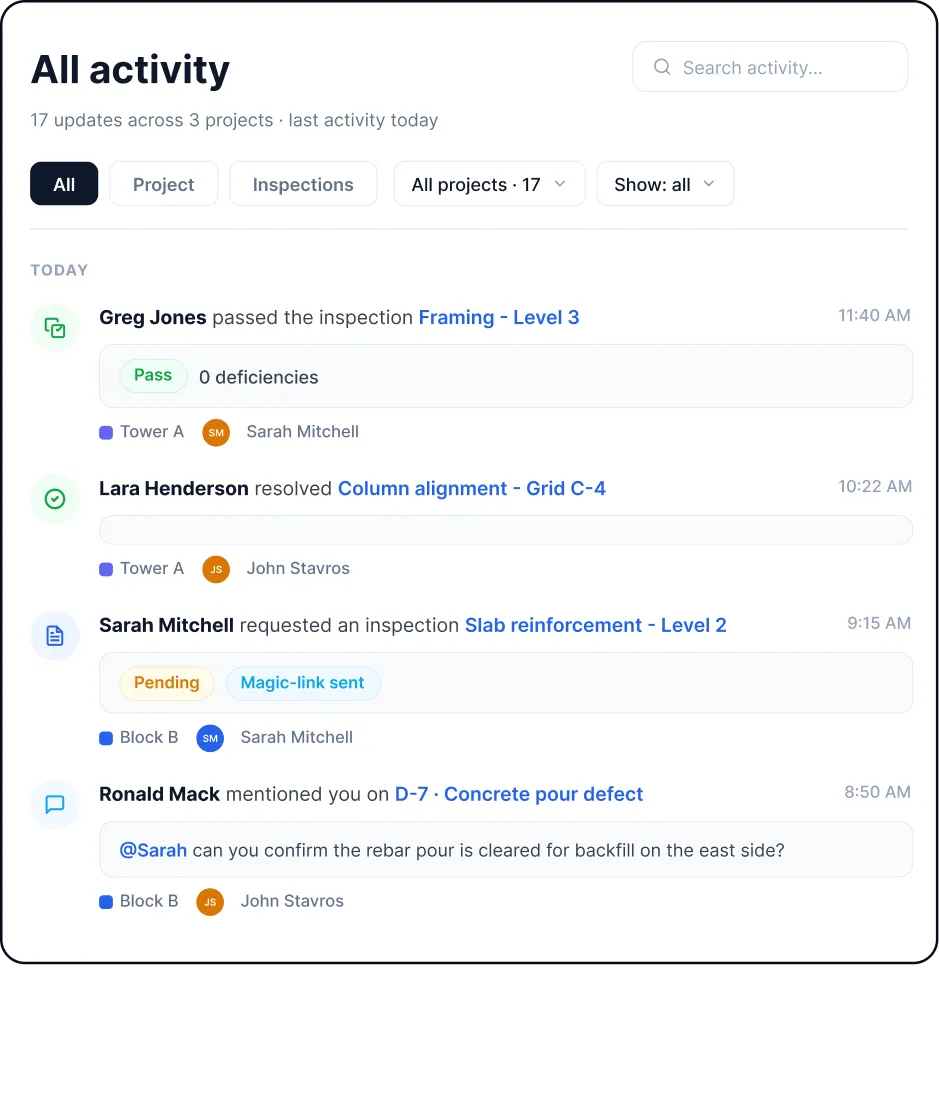
Inspection teams often need more than task status. They need to verify work against approved drawings, capture evidence in context, and maintain records that stand up to audit and review.

TruScope is designed for inspection teams who need traceability, documentation, and confidence in inspection outcomes.

Core inspection capabilities in TruScope

Slip-sheeting & document upload

Revision history & audit trail

Auto-generated QR codes

AI-assisted document retrieval

Photo capture & markups

Real-time collaboration

Linked PDFs & cross-sheet links

Always-current drawings

Audit-ready inspection records

*These features support inspection workflows where accuracy and documentation matter.

TruScope vs Fieldwire
at a workflow level

Fieldwire centers on task tracking and issue management in the field. TruScope centers
on inspection verification and maintaining a clear inspection record tied to approved drawings.

Fieldwire truscope
Primary use Tasks and punch lists Inspection and verification
Field activity Issues and task completion Inspection evidence capture
Drawing reference Supporting context Primary inspection reference
Inspection records Task-based Drawing- and revision-based
Audit preparation Manual review Records captured as work happens
Intended users Field coordination teams Inspectors, IORs, QA/QC teams

← Scroll / Swipe →

How inspection teams
use TruScope

Office and admin teams

  • Upload and slip-sheet approved drawings
  • Manage revision history and approvals
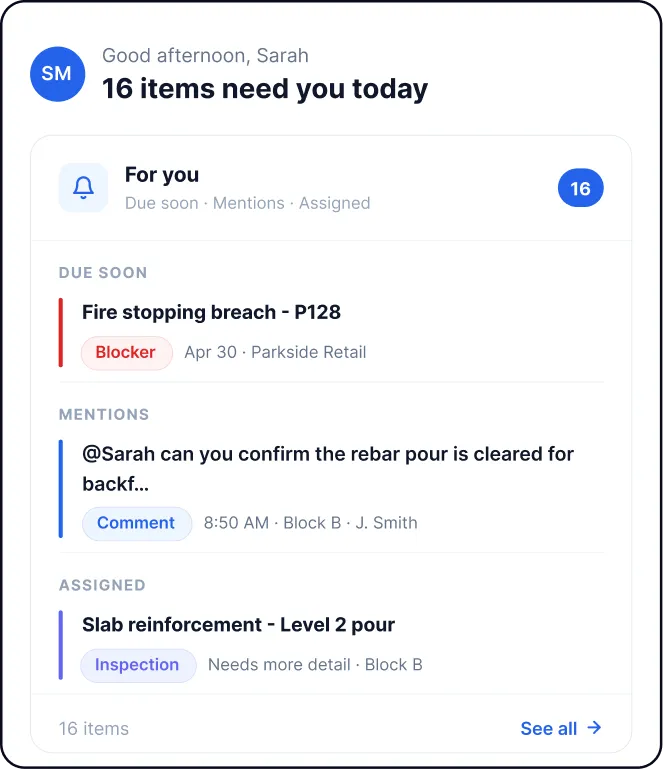
  • Review inspection records across projects

Field inspectors

  • Access drawings on site
  • Scan QR codes to open the correct drawing
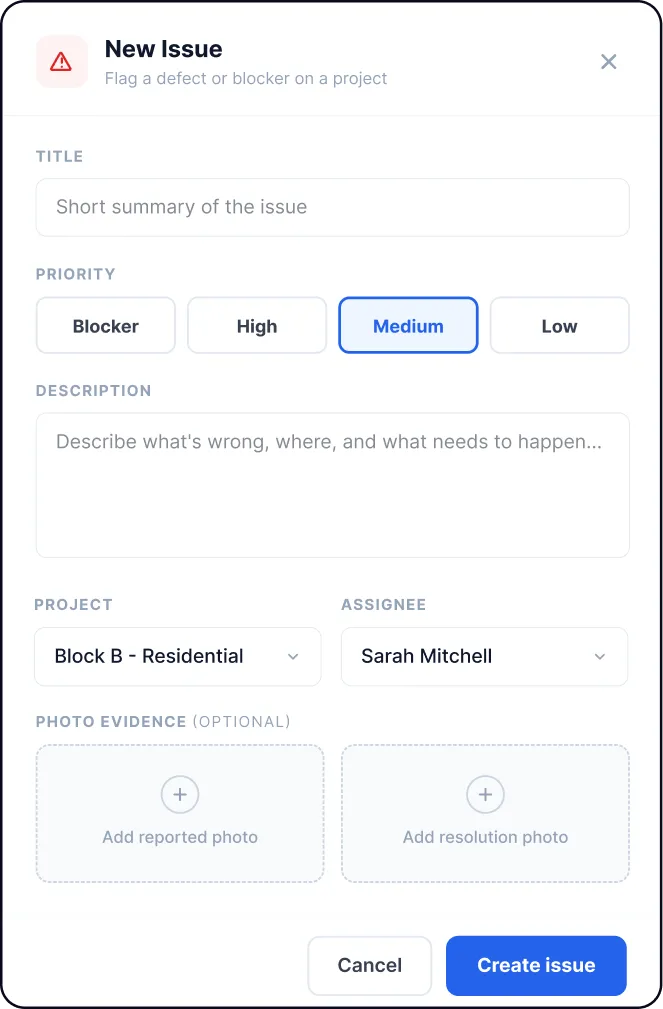
  • Capture photos and notes directly on the plan

Why it matters

  • Everyone works from the same approved drawing set
  • No version confusion in the field
  • Inspection evidence stays tied to location and revision
  • Clear documentation for audits and reviews
  • Less follow-up between field and office

How TruScope fits
alongside Fieldwire

TruScope is designed to fit into inspection workflows without disrupting existing coordination tools.

Before the inspection

Approved drawings are uploaded, slip-sheeted, and assigned QR codes.

During the inspection

Inspectors open drawings on mobile, capture photos and notes directly on the plan, and move through the site without separate documentation.

After the inspection

Inspection records are already complete. Office, QA/QC, and compliance teams review evidence in context without reconstructing inspection history.

*Many teams continue using PlanGrid for document coordination, while using TruScope for inspection verification and audit documentation.

Pricing

$99user/month
  • Unlimited projects
  • No long-term contracts
  • Enterprise pilots available

Frequently asked questions

TruScope is built for inspection and verification workflows. Many teams continue using Fieldwire for task tracking while using TruScope Verify for inspections.

Yes. Approved drawings can be uploaded, slip-sheeted, and managed with full revision history.

Yes. TruScope is a mobile-first inspection app for iPad and iPhone.

$99 per user per month with unlimited projects and no long-term contracts.

Choose a workflow
built for inspections

When inspections are critical, task tools alone are not enough.

TruScope gives inspection teams a focused way to verify work, document
inspections, and maintain audit-ready records.